
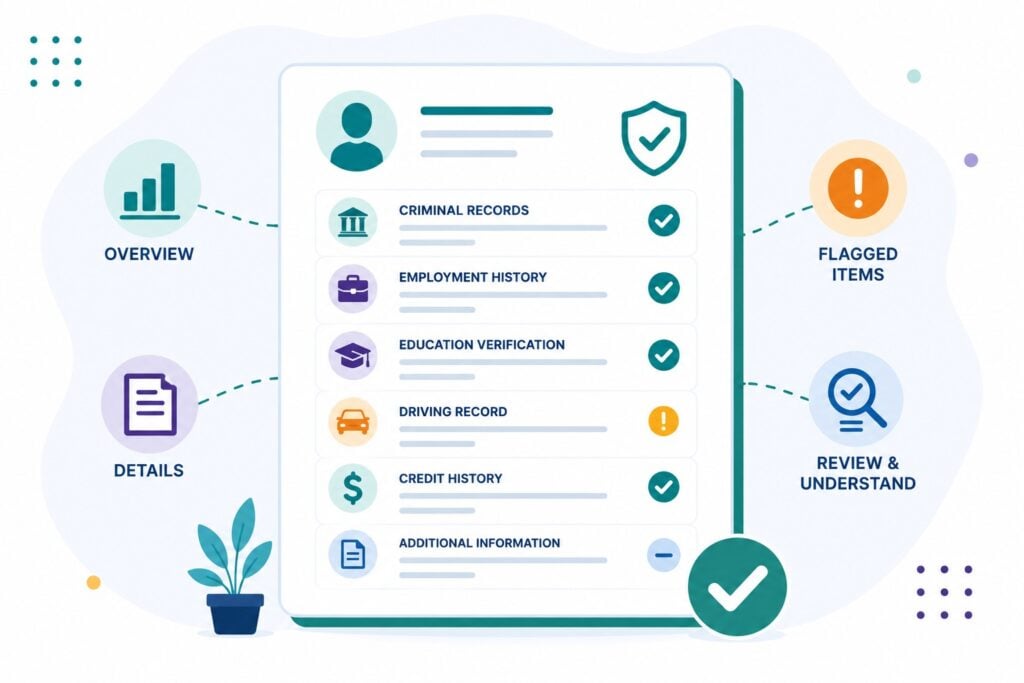
A background check report is not written for you. It is a working document produced for an employer, full of jurisdiction codes, disposition abbreviations, and status labels that mean something specific in the screening industry and nothing obvious to anyone else. Here is how to read one.

Important: A report shows every search that was run, not just the ones that found something. “No records found” and “not searched” mean very different things.
Getting a Copy
You have 2 routes to your own report. If an employer is considering not hiring you because of it, they must send you a copy along with a summary of your rights before making that decision final. That is the pre-adverse action notice.
You do not have to wait for that. The FCRA entitles you to 1 free copy of your file every 12 months from each nationwide screening company, and you can request it any time. Reading your own report before you apply is the single most useful thing you can do, because errors are far easier to fix on your schedule than during someone else’s hiring decision.
The Identifier Section
The top of the report establishes who was searched. It typically lists your name, date of birth, the last 4 digits of your Social Security number, any aliases or former names, and an address history going back 7 to 10 years.
Read this section first, and read it carefully. The address history determined which counties were searched, and the name and date of birth determined which records were matched to you. If something here is wrong, everything below it is suspect.
Aliases are worth a second look. Screening companies pull these from the SSN trace, and misspellings, maiden names, and occasionally names belonging to other people can attach themselves to your file.
Reading the Criminal Records Section
Each criminal entry generally carries the same fields:
- Jurisdiction: which court the record came from, county, state, or federal
- Case number: the court’s identifier, which is what you use to look the case up yourself
- Charge: the offense as filed, with its classification as felony, misdemeanor, or infraction
- Offense date and filing date: when the conduct occurred and when the case was opened
- Disposition: how the case ended
- Disposition date: when it ended
- Sentence: what was imposed, if anything
Disposition is the field that matters most, and the one most often wrong.
What the Disposition Terms Mean
These are legal terms of art, and several are routinely misread as convictions when they are not:
- Convicted: a finding or plea of guilt was entered. This is a conviction
- Dismissed: the case was dropped. Not a conviction
- Nolle prosequi or nol pros: the prosecutor declined to pursue it. Not a conviction
- Acquitted or not guilty: decided in your favor at trial
- Deferred adjudication or adjudication withheld: you completed conditions and formal guilt was never entered. Whether this counts as a conviction varies by state and by context
- Pending: the case is still open
- No disposition reported: the court record did not show an outcome. This one deserves attention
An old case showing “pending” or no disposition is usually not an open case. It is usually a record that was never updated after it closed. That is worth correcting, because an employer reading “pending” on a 6 year old charge draws the wrong conclusion.
The Verification Sections
Employment and education verifications report a result rather than a record, and the wording is specific:
- Verified: the employer or school confirmed what you provided
- Discrepancy: they confirmed something different. Usually dates, sometimes a job title
- Unable to verify: nobody responded, or the records could not be located. This is not a finding that you lied
“Unable to verify” is common and often has an innocent explanation: a company that closed, an acquisition, a school with a transcript hold, or a staffing agency listed under a name you did not recognize. If it appears, you can usually resolve it by supplying a W-2, a pay stub, or a diploma.
Status Labels Are Not Verdicts
Many screening platforms put an overall label at the top of the report, something like Clear, Consider, or Review. Those are generated by the screening company applying the employer’s own criteria, not by anyone reading your file.
“Consider” means a record was returned that the employer’s settings flagged for a human to look at. It is not a recommendation and it is not a rejection.
How to Spot an Error
Work through these deliberately:
- Records that are not yours. Check the name, date of birth, and any listed identifiers against your own. Mismatched identity is among the most common report errors
- Wrong disposition. A dismissal shown as a conviction, or a closed case shown as pending
- The same case listed twice. A database search and a county search can each return the same offense, making 1 charge look like 2. Compare case numbers
- Records too old to report. Non-conviction items generally drop off after 7 years. See what can be reported on a background check
- Expunged or sealed records. These should not appear at all
- Employment dates that do not match your records. Check against a W-2 rather than memory
Anything inaccurate or incomplete can be disputed with the screening company that produced the report. Our guide to disputing a background check walks through it.
Common Misunderstandings
“Everything on here is a conviction.” The report lists charges and dispositions. A dismissal is on your record as a case that was dropped, not as a conviction.
“Unable to verify means they caught me.” It usually means nobody answered the phone. Supply the documentation and it resolves.
“Consider means I failed.” It means something was flagged for a person to review. The decision has not been made.
“The employer wrote this.” The screening company produced it. Disputes go to them, not to the employer.
The Bottom Line
Read the identifier section first, then check every disposition, then compare case numbers for duplicates. Most errors on background check reports fall into 3 buckets: a record that belongs to someone else, a disposition that was never updated, and the same case counted twice. All 3 are correctable, and all 3 are far easier to handle before an employer is waiting on an answer. For more, see background check answers for applicants.